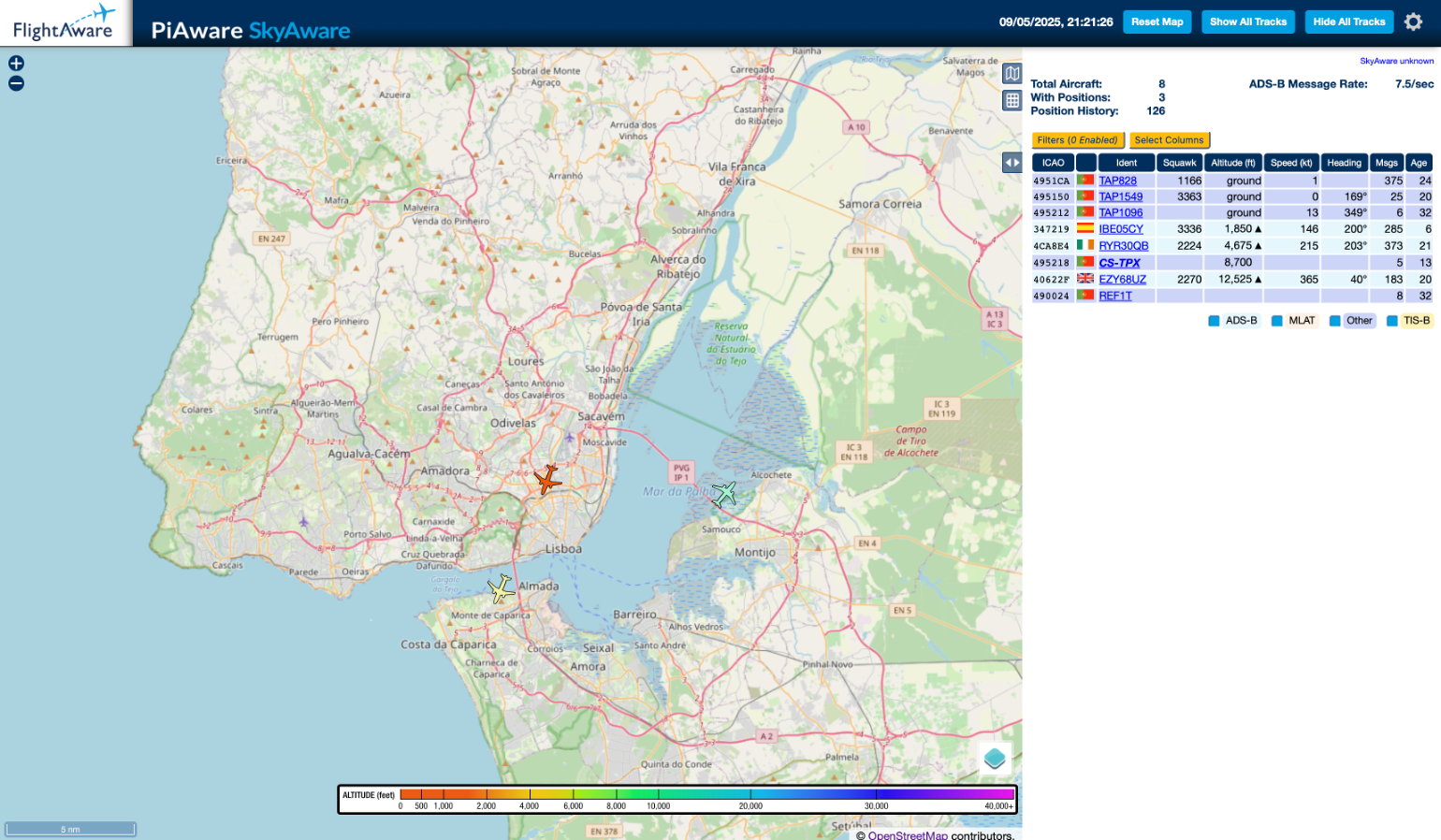
Receive aircraft ADS-B with RTL-SDL on a Mac

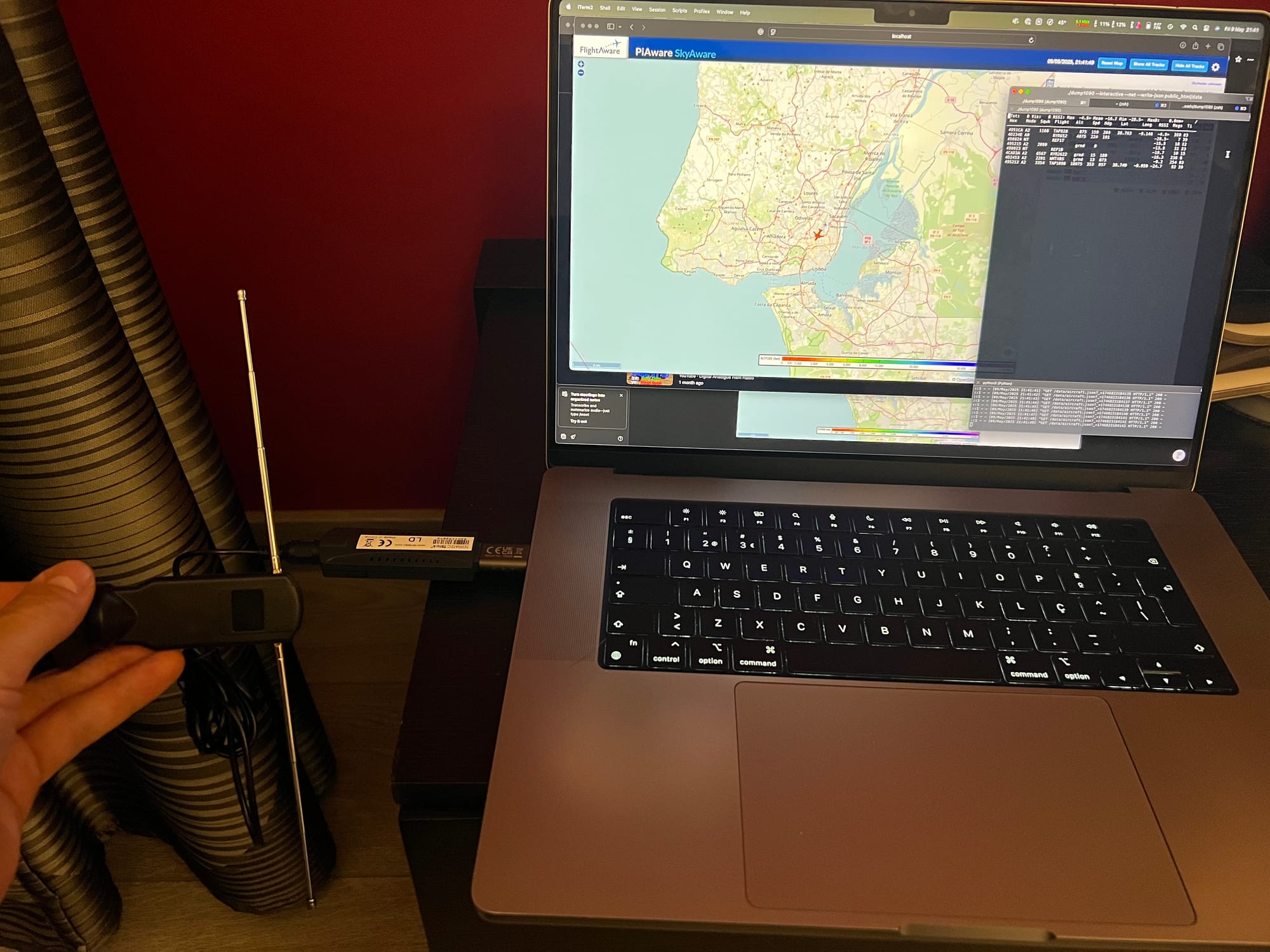
I was hoping this was a rather lengthy project but it took only a few minutes.
Living close to Lisbon Airport, since i had a few RTL-SDR dongles (simply put, a digital TV receiver for DVB-T protocol) and some spare time, I decided to experiment how easy it was to decode aircraft positioning data.
Using an RTL2838UHIDIR based dongle and the most basic telescopic antenna, I was able to receive some data on my M1 based Macbook.
This involves compiling an application but it's straightforward for everyone to follow.
According to Google...
ADS-B, or Automatic Dependent Surveillance–Broadcast, is an advanced surveillance technology that helps air traffic control track aircraft using their GPS-based position data, rather than relying solely on radar. It works by having aircraft broadcast their location, altitude, speed, and other data to ground stations and other aircraft. This information is then used by air traffic controllers and pilots to improve situational awareness and safety.
How it works:
Automatic and Dependent:ADS-B is "automatic" because it requires no pilot input to operate, and "dependent" because it relies on the aircraft's own navigation system (like GPS) for position data.
Broadcast:The aircraft broadcasts its position information to other aircraft and ground stations.
Surveillance:This broadcast provides air traffic control and other pilots with surveillance data, allowing them to track the aircraft's position and movements.
Ground Stations:Dedicated ground stations receive the ADS-B broadcasts and relay the information to air traffic control.
Ingredients:
- Supported RTL-SDR dongle
- Antenna (a dedicated 1,09GHz antenna is recommended)
- Polarization: vertical
- Macbook (there are tons of tutorials for windows - that's why this is worth reading)
How to:
- Clone the GIT project with "git clone https://github.com/flightaware/dump1090.git"
- Install dependencies using "brew"
- brew install librtlsdr
- brew install libbladerf
- brew install hackrf
- brew install pkg-config
- cd to the directory, and "make"
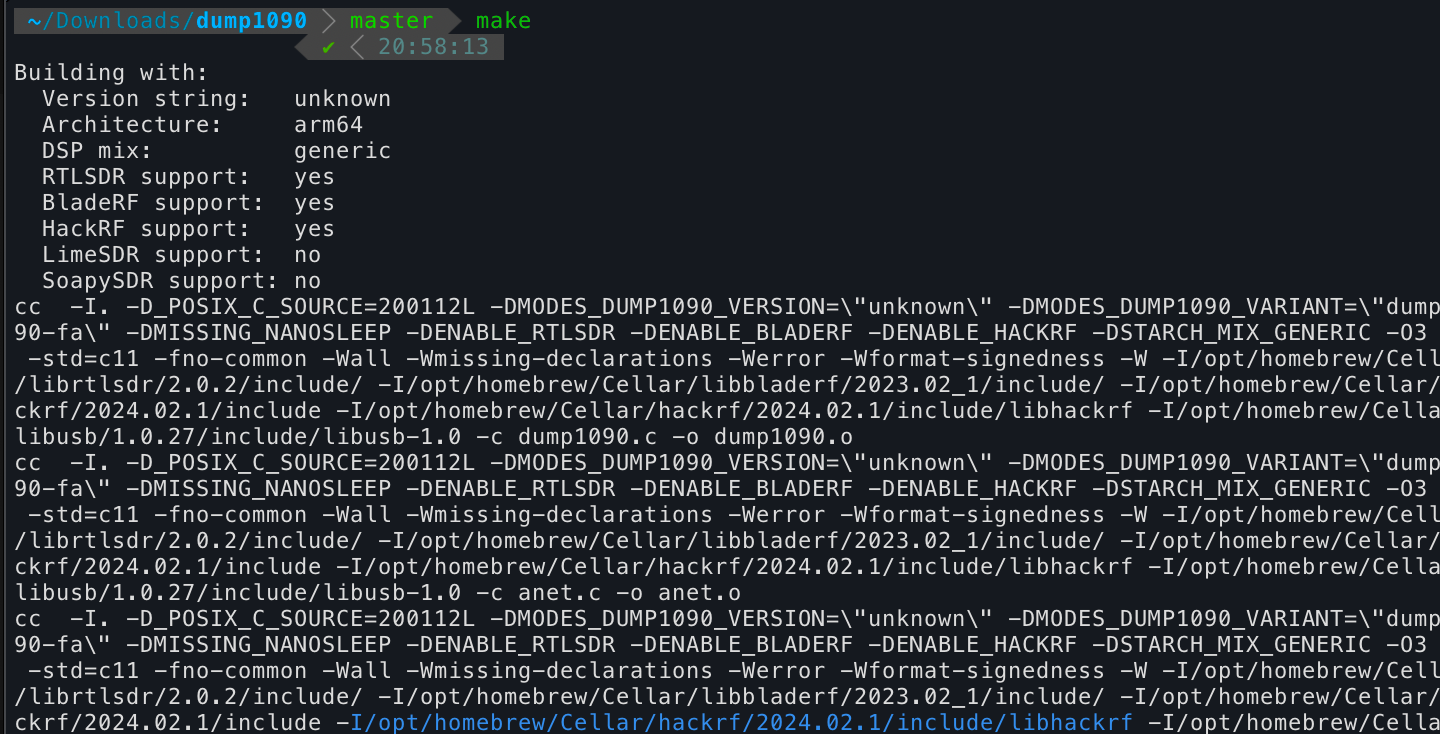
- Check if the dongle is supported

- Inside the git folder there's a "FlightAware" public_html directory which will render the flight's path. Make a "data" directory inside it
"mkdir -p public_html/data" - cd to public_html and start a simple http server using python3 and send it to the foreground.
- python3 -m http.server 8090 &
- back to the git root, start dump1090 with this command
- ./dump1090 --interactive --net --write-json public_html/data
If all goes well, you will start receiving flight information on the terminal window.

Now, open a web browser, and point it to http://localhost:8090
Simple as this :-)